

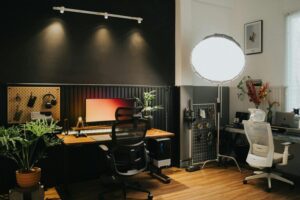
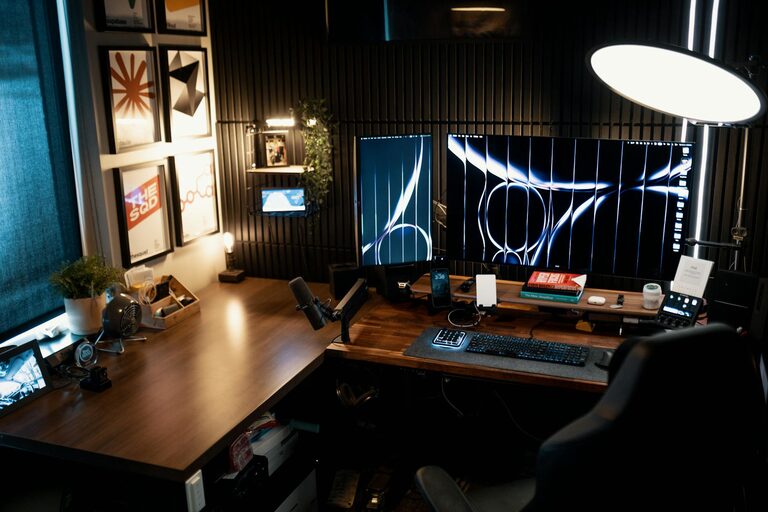
Creating a home office that feels both cozy and functional can significantly improve your work-from-home experience. Whether you have a dedicated room or just a small corner to set up your workstation, the right environment can boost your productivity and well-being. In this post, we’ll explore tips to design a workspace that’s inviting, organized, and tailored to your needs.
Choose the Right Location
Consider Natural Light
A bright space with plenty of natural light helps reduce eye strain and lifts your mood. If possible, position your desk near a window. Avoid direct sunlight on your screen to prevent glare, but enjoy the benefits of daylight and fresh air by opening a window now and then.
Minimize Distractions
Pick a spot that’s quiet and away from high-traffic areas such as the kitchen or living room, where noise and activity can interrupt concentration. If space is limited, use room dividers or curtains to create a visual separation between work and home life.
Invest in Comfortable and Ergonomic Furniture
Desk and Chair Matter
Your desk should offer enough surface area for your computer, documents, and supplies without feeling cramped. Choose a chair that supports good posture, ideally adjustable in height, with lumbar support. Sitting comfortably reduces fatigue and helps maintain focus during long working hours.
Optimize Desk Height and Arrangement
Ensure your monitor is at eye level to avoid neck strain. Use a keyboard tray or adjustable desk if necessary. Keep frequently used items within easy reach to minimize unnecessary movement.
Personalize Your Workspace
Add Cozy Elements
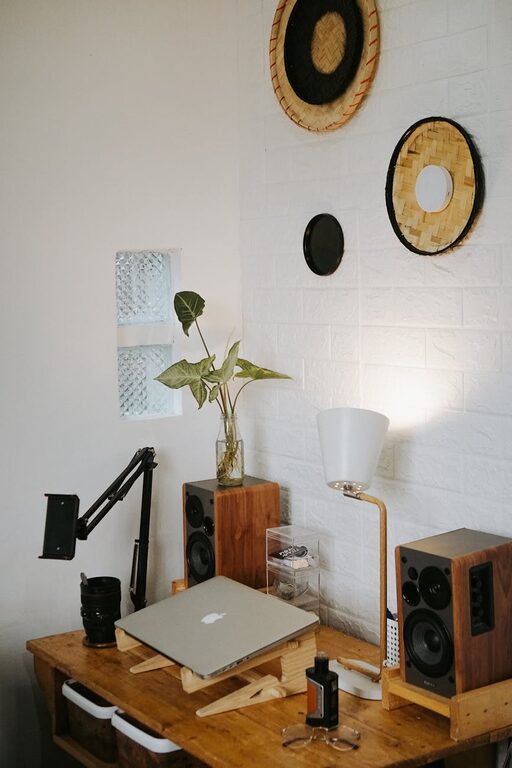
Small touches like a soft throw blanket, a cushion, or a plant can make your workspace feel welcoming. Plants improve air quality and add a natural element that can reduce stress.
Choose a Calming Color Palette
Soft, neutral colors or your favorite calming shades can create a soothing backdrop. Avoid overly bright or distracting colors that might hinder focus.
Organize Efficiently
Use Storage Solutions
Declutter your desk by using shelves, drawers, or filing cabinets for documents and supplies. Desk organizers help keep pens, paperclips, and other small items in order.
Cable Management
Tidy cables with clips, sleeves, or under-desk trays to prevent tangling. A clean workspace helps maintain a clear mind.
Optimize Lighting
Layered Lighting Approach
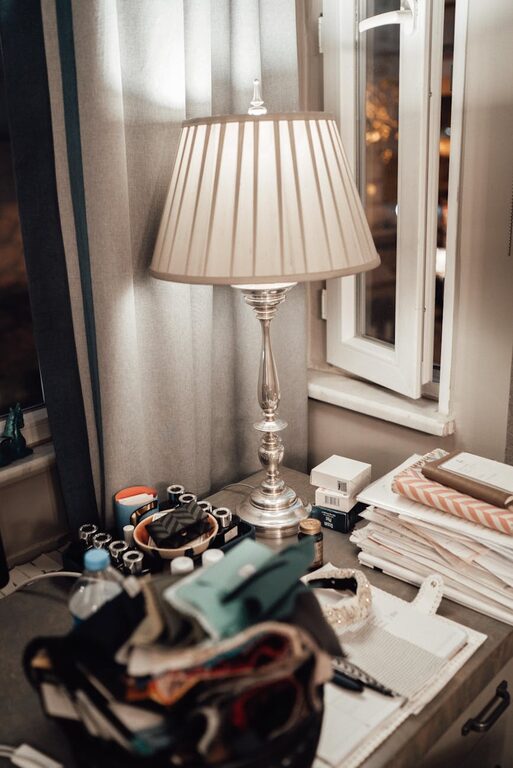
In addition to natural light, include a good overhead light and a task lamp. Adjustable desk lamps allow you to focus light where you need it most without straining your eyes.
Avoid Harsh Lighting
Choose bulbs with a soft, warm glow rather than harsh fluorescent lights. This creates a more comfortable environment, especially during late hours.
Incorporate Technology Thoughtfully
Choose the Right Tools
Invest in reliable technology that suits your workflow: a fast computer, quality headphones for calls, and a good webcam if you attend video meetings.
Maintain Digital Organization
Keep your files and emails organized with folders and regular clean-ups. A clutter-free digital space complements your physical one.
Set Boundaries for Work and Rest
Define Work Hours
Even in a home environment, having set work hours helps maintain a balance between professional and personal life.
Create a Clear End to Your Workday
At the end of your workday, shut down your computer and tidy your workspace to mentally separate work from relaxation time.
Add Inspiring and Motivational Items
Whether it’s artwork, motivational quotes, or personal photos, little details that make you smile can increase motivation and make your work environment more enjoyable.
—
Creating a cozy and functional home office doesn’t require a large budget or space. By thoughtfully choosing your location, furniture, colors, and organisation methods, you can build a comfortable and efficient workspace tailored to your needs. This will help you stay focused, productive, and relaxed while working from home.