

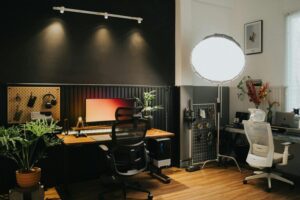
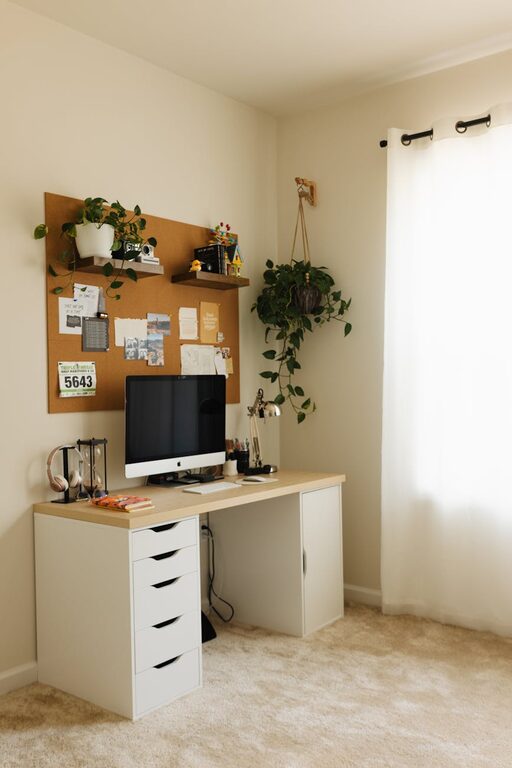
Creating a home office that is both cozy and functional can transform your work-from-home experience. A well-designed workspace boosts productivity while making it pleasant to spend long hours. Whether you have a dedicated room or a small corner, these tips will help you set up an office that inspires focus and comfort.
Choose the Right Location
Begin by selecting a spot that minimizes distractions and fits your daily routines. Ideally, choose a quiet area with natural light, which can improve mood and reduce eye strain. If space is limited, consider corners near windows or unused nooks.
Prioritise Comfort with Ergonomic Furniture
Comfort is key in a home office. Invest in an ergonomic chair that supports your back and promotes good posture. Pair it with a desk at a comfortable height. Adjustable desks that allow sitting and standing can also benefit your health and keep you more active.
Tips for Choosing Furniture
– Test chairs before buying for proper support.
– Consider desks with storage to reduce clutter.
– Use footrests if your feet don’t comfortably reach the floor.
Optimise Lighting for Productivity
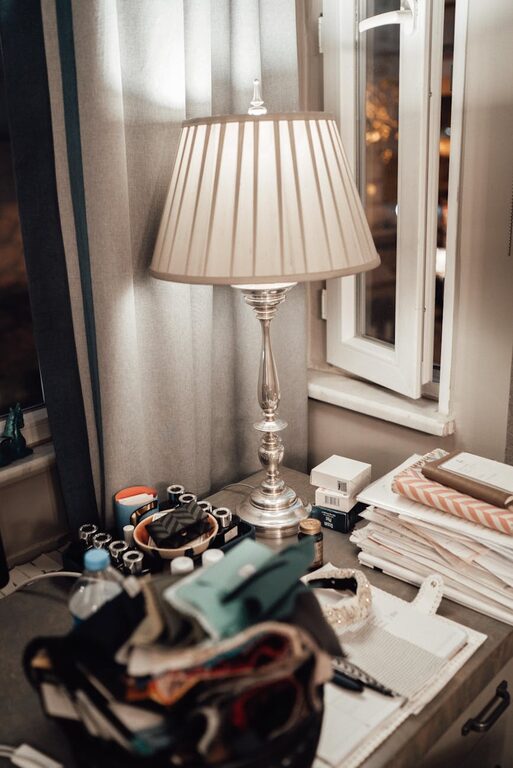
Good lighting reduces fatigue and improves concentration. Natural light is best, so position your desk close to a window if possible. Supplement with adjustable desk lamps that offer warm, soft light to avoid harsh glare.
Lighting Setup Suggestions
– Use blinds or curtains to control sunlight intensity.
– Choose LED bulbs in a daylight or warm white tone.
– Position light sources to avoid screen reflections.
Colour and Decor to Enhance Mood
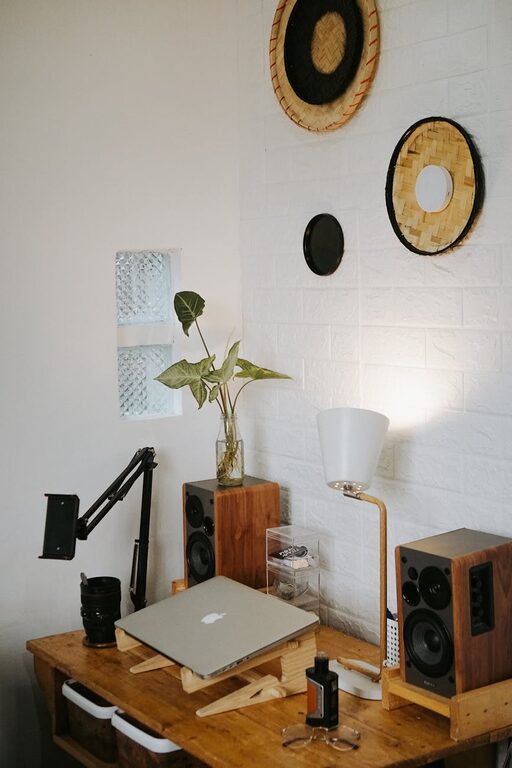
Colours affect your mindset and energy. Soft, neutral shades create a calming atmosphere, while pops of colour can add energy and creativity. Keep decor minimal to avoid distractions but add personal touches like plants, artwork, or inspiring quotes.
Organise with Smart Storage Solutions
A clutter-free environment improves focus. Use shelves, filing cabinets, or drawer organisers to keep papers and supplies tidy. Label storage areas so everything has a designated place, making it easier to maintain order.
Storage Ideas
– Floating shelves save floor space.
– Desktop organisers keep essentials within reach.
– Cable management tools prevent tangled wires.
Technology Setup and Cable Management
Ensure your technology is efficient and your workspace remains neat. Position monitors at eye level and arrange keyboards and mice ergonomically. Keep cables hidden or organised with clips and sleeves for safety and aesthetics.
Add Comfort Elements
To truly create a cozy feel, incorporate elements that make the space inviting:
– Soft cushions or blankets for added warmth.
– A small rug underfoot to soften the area.
– Plants to purify the air and add natural beauty.
– A small speaker or headphones for background music or noise cancellation.
Maintain Air Quality and Freshness
Good air quality improves focus and wellbeing. If you can, open windows regularly to refresh the air. Plants can also help clean the air, or consider an air purifier for enclosed spaces.
Establish Work Zones
If your home office serves multiple functions, like meetings or creative projects, define zones for each task. Use rugs, room dividers, or distinct furniture groupings to separate areas visually and functionally.
Keep It Flexible and Personal
Your home office should adapt to your changing needs. Select modular furniture or storage that can be rearranged easily. Personalise your space to reflect your style while maintaining professionalism, especially for video calls.
—
By combining these elements thoughtfully, you can create a home office that feels comfortable yet supports your productivity. Small upgrades and mindful organisation make a big difference in how you connect with your workday and wellbeing. Ready to start? Pick one or two tips and see how your workspace transforms!